
Blur Photo & Face Censor · iPhone & iPad
Hide the faces. Keep the moment.
Tap the faces you want to protect, like your kids, other families' kids, or strangers in the background, and cover them with an opaque cover, mosaic, emoji, or soft blur. Brush over license plates, name tags, and documents too. It all happens on your iPhone.
- $3.99 once
- No subscription
- No in-app purchases
- No upload, no account
Safe Little Faces is the website for Blur Photo & Face Censor, the App Store app by independent developer David Balderston (previously listed as “Safe Little Faces: Face Blur”).
What you can cover
Faces first. Then everything else that gives a photo away.
Faces are found automatically on your device. Anything else, you brush over with the Hide tool. Nothing is decided for you, and nothing is guessed about who a person is.
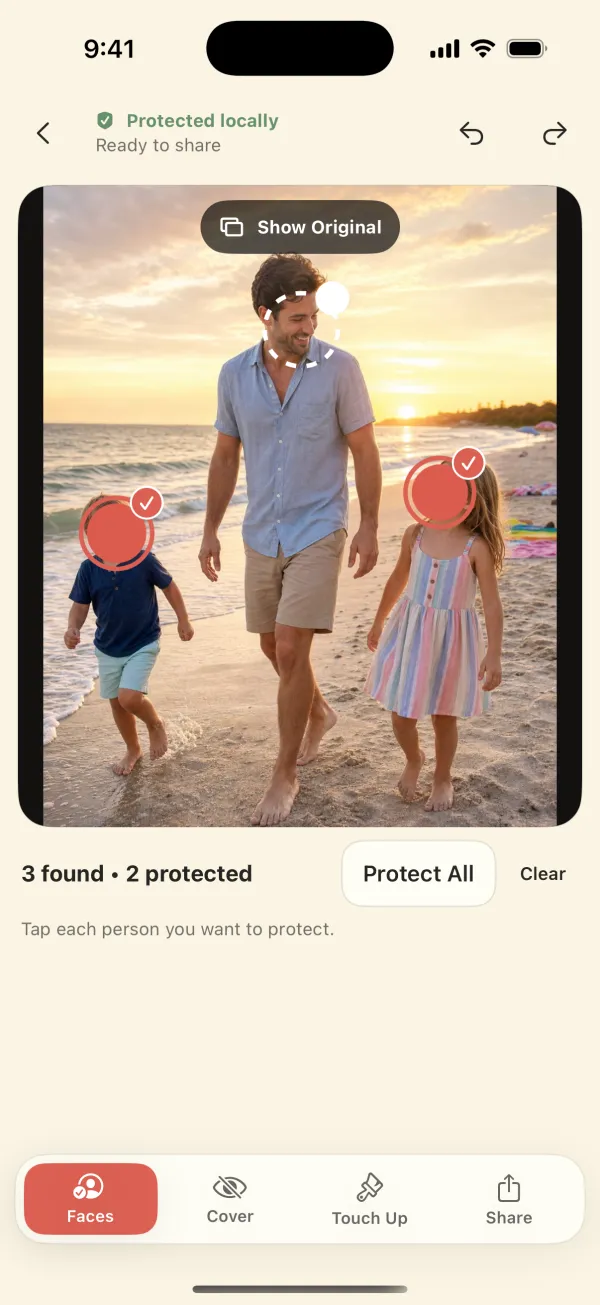
- Your kids' facesTap each face to cover. The app never guesses anyone's age.
- Other families' kidsBirthday parties, team photos, classroom events.
- Strangers in the backgroundKeep your people visible and hide the rest, or use Protect All.
- Missed or side-on facesProfiles, reflections, and tiny faces: paint them with Hide.
- License platesCars in the driveway, parking lots, road trips.
- Names, jerseys & logosName tags, school uniforms, backpacks, team numbers.
- House numbers & signsFront-door photos, street signs, school entrances.
- Screens & documentsTickets, badges, mail, laptops, whiteboards.
Found automatically (faces) You brush it with Hide (no automatic plate or text detection)
Four cover styles
Pick how private each photo needs to be.
An opaque cover for public posts, or something gentler for the family chat. Each style has a size control, and you can switch styles before you export.
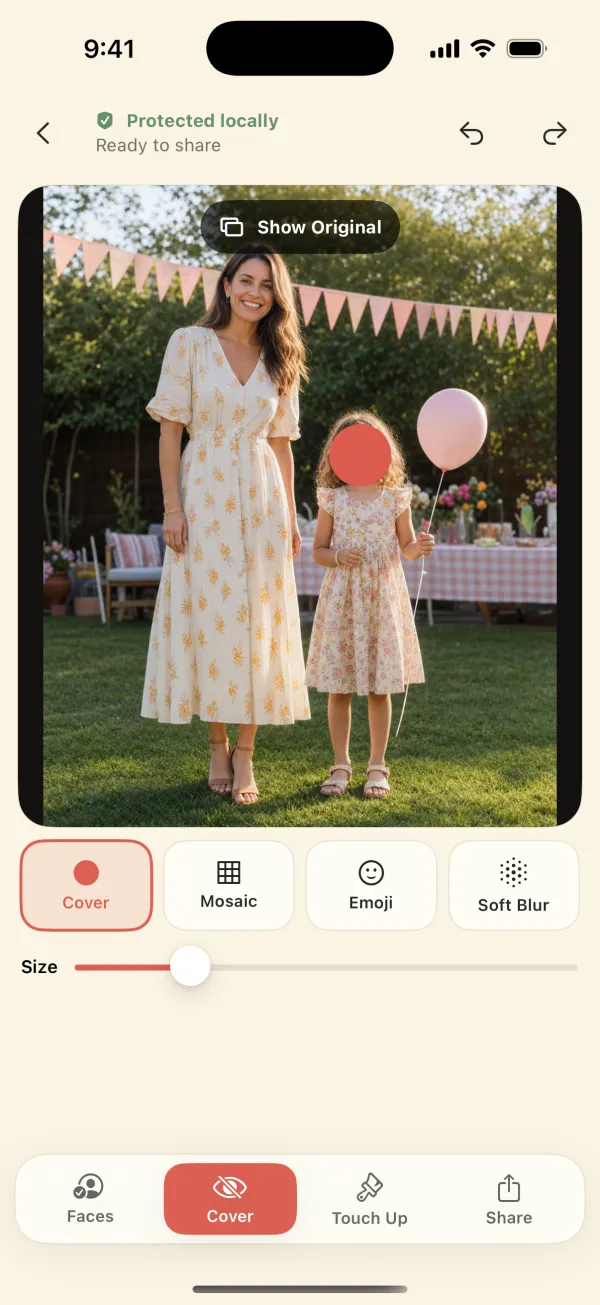
Privacy Cover
An opaque cover over the whole face. Use it whenever it really matters that nobody can recognize the person.
Which style hides a face best? →How it works
Four steps, about a minute a photo.
You review everything before anything is saved. Your original photo is never changed; you export a separate, protected copy.
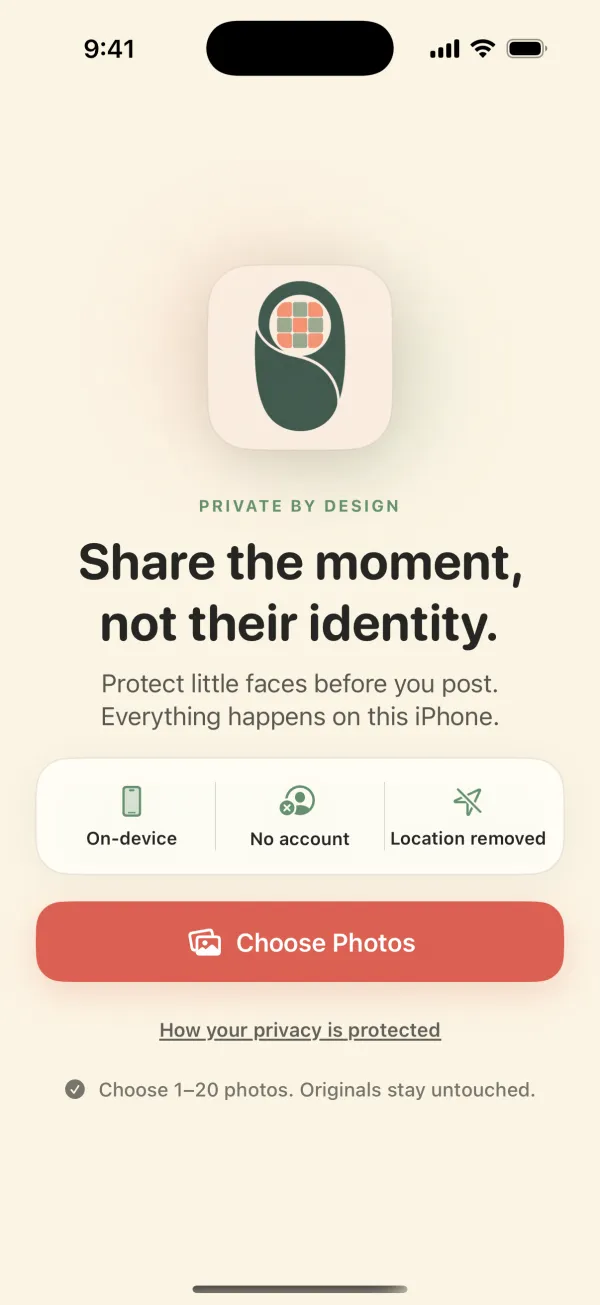
Choose 1–20 photos
Pick one photo or a small batch from your library with Apple's photo picker.
Tap the faces to protect
On-device face detection marks every face it finds. You decide who gets covered.
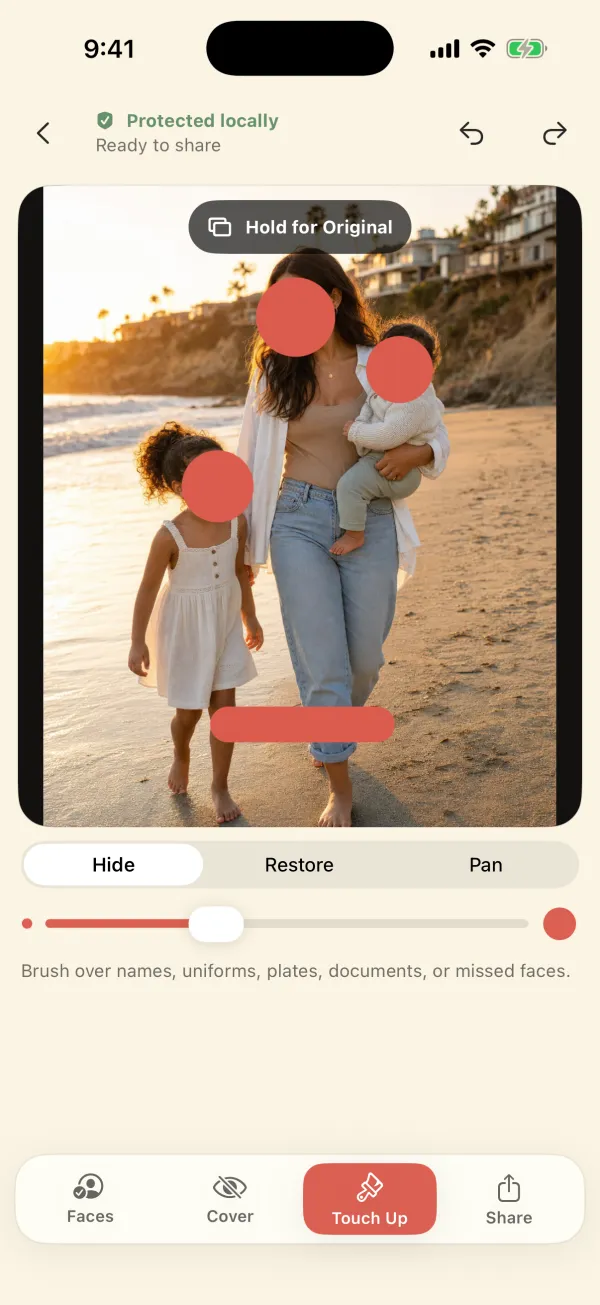
Brush over the rest
Hide a missed face, a plate, or a name. Restore anything you covered by mistake.
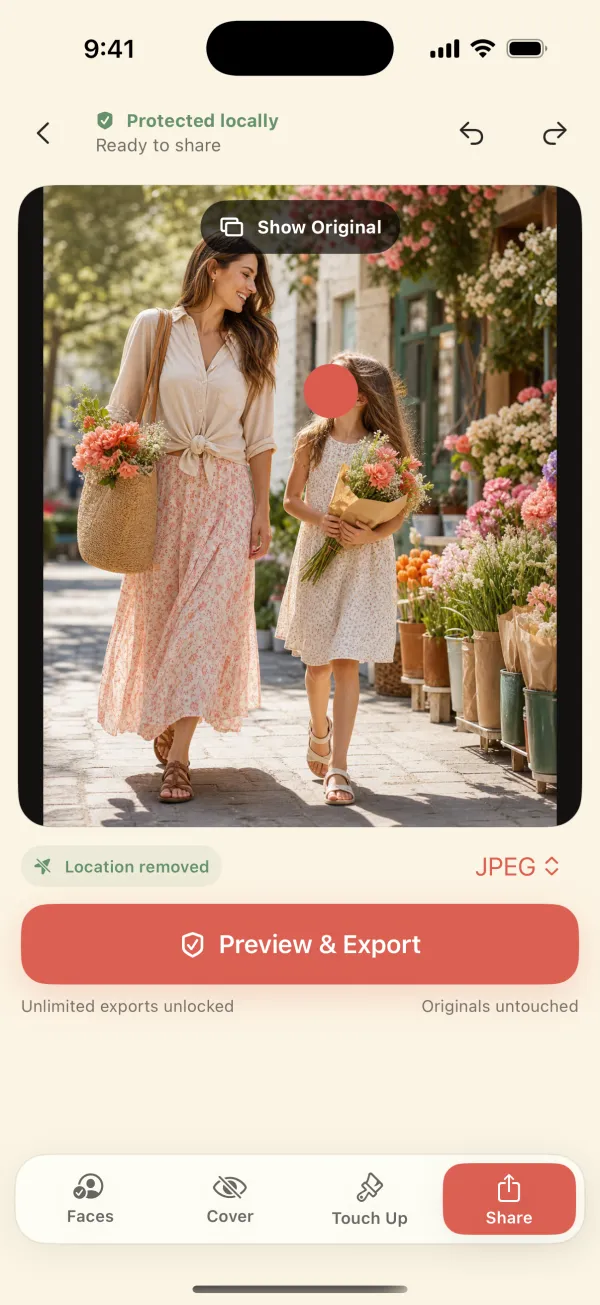
Export a clean copy
Save or share a new JPEG or PNG. Location and camera details stay behind.
Safer exports
The faces are covered, and the hidden details are gone too.
Photos carry invisible metadata. Every export is a newly encoded file that does not copy these from the original:
- GPS location
- Capture date & time
- Camera make & model
- Lens details
- Device identifiers
Anything you can see in the picture, like a street sign or a school logo, isn't metadata. Cover it with Hide. More on photo location data →
Private by design
Built to know as little as possible.
These aren't marketing promises. They're how the app is built, and the App Store privacy label says “Data Not Collected.” Read the full app facts →
No upload
There is no photo server. Detection, editing, and export all run on your device, and the app works in airplane mode.
No face recognition
A detected face is just a rectangle. The app doesn't identify people, guess ages, or remember faces between photos.
No account, ads, or tracking
No sign-up, no advertising SDK, no analytics SDK. Your originals are never modified.
Honest limits
What it doesn't do.
Better to know before you buy. If one of these is a deal-breaker, the comparison page points to apps that do it.
- Photos only, no videoFace blur for video needs a different app.
- No automatic plate or text detectionFaces are found automatically; plates, names, and documents are brushed by hand.
- Face detection can miss facesSmall, side-on, masked, or reflected faces. Review every photo and use Hide.
- Blur isn't anonymitySoft Blur and Mosaic can leave someone recognizable. Use Privacy Cover when it matters.
- It can't control what happens after sharingRecipients can screenshot or forward. Clothing, captions, and places can still identify people.
- Apple devices onlyiPhone and iPad on iOS/iPadOS 17 or later. No Android or web version.
One price, everything included
No subscription. No in-app purchases. No watermark.
Many face-blur apps are free to download and then charge weekly or yearly. This one costs $3.99 once, and every existing and new user gets every tool and full-resolution export.
- All four cover styles
- Hide & Restore brushes
- Batches of 1–20 photos
- JPEG or PNG export
- iPhone and iPad
U.S. App Store price, checked September 25, 2026.
Apple shows your local price before you buy.
Compare honestly
Not sure it's the right tool?
We compared current prices, privacy labels, and features of other face-blur options, including the free ones built into your iPhone.
Face blur apps for iPhone compared
Blurshot, Kumo, Poof, Face Blur: Mosaic & Emoji, and popular blur editors: prices, subscriptions, video support, and privacy labels.
See the comparison → Free optionsFree ways to hide a face on iPhone
Photos Markup, Clean Up, Signal's blur tool, and when a free option is all you need.
See the free options →Practical guides
Share family photos with fewer loose ends.
Checklists for faces, backgrounds, location data, captions, consent, and the audience that receives the copy. All 11 guides →
How to blur a child's face before sharing a photo
Choose the people to protect, use the right cover, review the whole frame, and export a separate iPhone share copy.
Read the 8-minute guide → Background privacyHow to hide private details in a photo background
A four-corner scan for the background clues face blur cannot remove.
Read the 7-minute guide → Start hereWhat to check before sharing a family photo
A repeatable pre-posting check for faces, background clues, metadata, captions, consent, and audience.
Read the 8-minute guide →Questions
Quick answers
Is Safe Little Faces the same app as Blur Photo & Face Censor?
Yes. Safe Little Faces is the website and brand; Blur Photo & Face Censor is the app's current App Store name (earlier listings used “Safe Little Faces: Face Blur”). Same developer, same app: App Store ID 6797679260.
How much does it cost?
$3.99 once in the U.S. App Store (checked September 25, 2026). No subscription, no in-app purchases, no ads. Every tool and full-resolution export is included. Apple shows your local price before you buy.
Are my photos uploaded anywhere?
No. Face detection, editing, and export run on your iPhone or iPad using Apple frameworks. The app has no photo server, account, advertising SDK, or analytics SDK, and its App Store privacy label is “Data Not Collected.”
Can it blur license plates, name tags, or documents?
Yes, with the Hide brush: paint over the plate, name, house number, screen, or document and it gets the same cover. The app does not detect plates or text automatically; only faces are found automatically.
Does it work on videos?
No. It works on photos only (1–20 at a time). If you need to blur faces in video, see the comparison page for apps that handle video.
Does it remove location data from the photo?
Yes. Every export is a newly encoded JPEG or PNG that does not copy GPS location, capture date, camera, lens, or device details from the original. Your original photo is not changed.
All questionsDownload on the App Store$3.99 once · iPhone & iPad